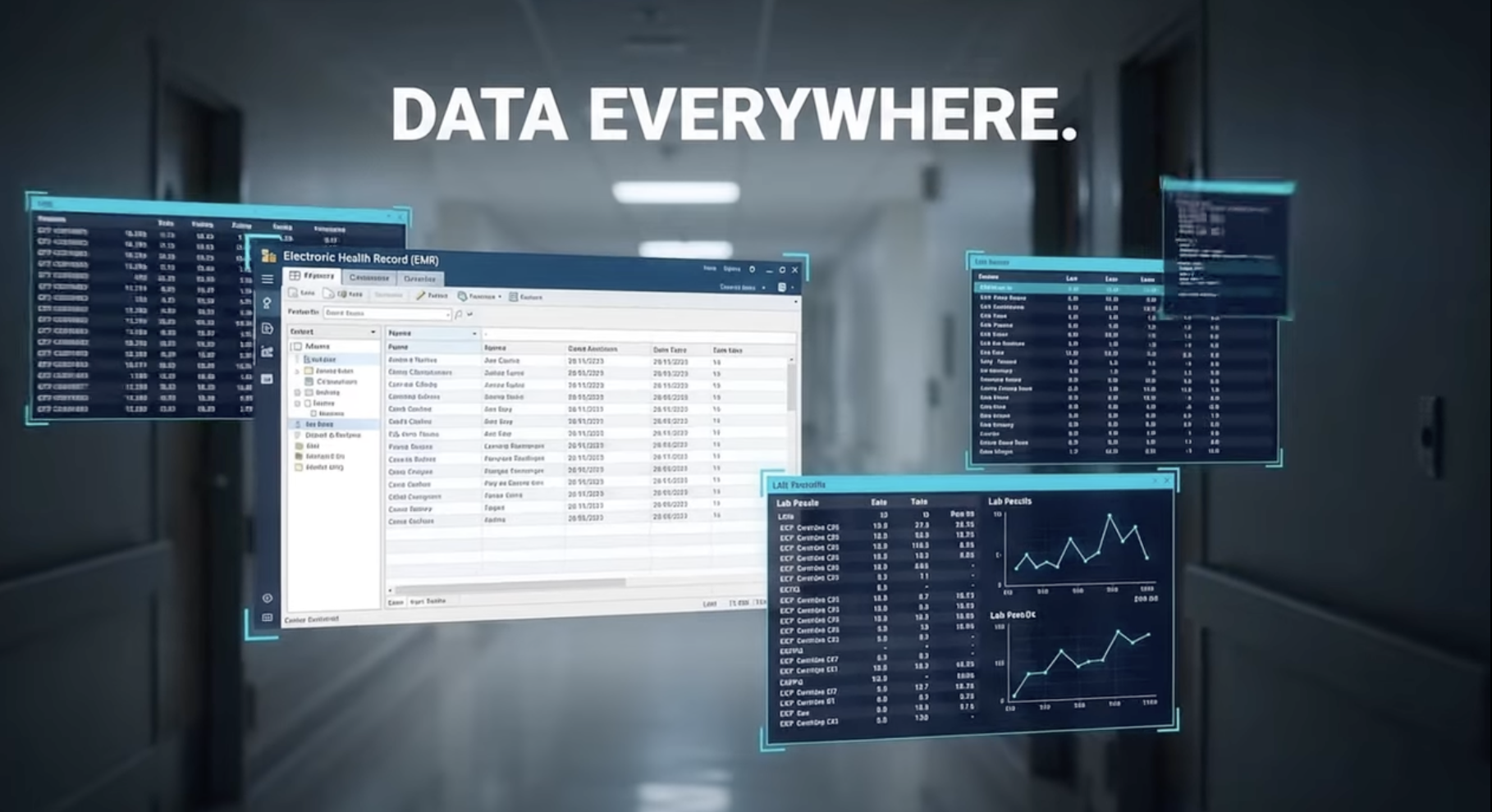

You possess critical patient, clinical, and operational information, yet your teams are exporting CSV files, pushing manual reporting, and keying information between systems. Each time a manual handoff occurs, so does delay and error potential. An automated healthcare data pipeline takes away those obstacles and gets information from EMR systems, financials, labs, or other sources to where it is needed.
Development capacity is likely to be the blocker in many healthcare delivery organizations. You do not have a war room full of ready engineers whose task is to do integration. You require excellence in HIPAA and PHI protection; however, speed is also a requirement.
A no-code data pipeline allows you to perform these tasks automatically without having to write any code. You get to create the rules and the destinations. The rest is handled by the platforms. Putting your attention on What do we need to accomplish using that data” instead of How can we connect that system”.
What Is a Data Pipeline
A data pipeline is a repeatable process whereby data flows from one or more source systems into one or more target systems. An automated healthcare data pipeline does this on a continuous basis: on a schedule or in real time, and without manual intervention.
An automated healthcare data pipeline normally connects:
- EMR and EHR platforms
- Systems of management practice and billings
- Laboratory and imaging systems
- CRM and patient engagement tools
- Data warehouses and analytics platforms
- Payer systems and HIEs
A typical pipeline does three things:
- Extract: Data should be drawn from the source in tabular or any other standard format.
- Transform: Clean, validate, map, and standardize the data.
- Load: Push the data into the target system or store.
When you automate this flow, you shift your teams from manual file wrangling to monitoring and improving the quality of data. That, in turn, becomes the backbone for health care data automation across your organization.
The urgency is clear: as much as 30 percent of the world’s data volume comes from healthcare, yet much of it stays locked in operational systems. Meanwhile, data quality issues force analysts to spend about 80 percent of their time cleaning data instead of analyzing it. Automated pipelines reduce that waste.
Why No-Code Pipelines
Typical data integrations often require engineers to write custom programming code. That paradigm is for big health systems and takes a long time. You are under different pressures. You have to deliver new data feeds in weeks, not years, and be compliant with vendor updates without changing code.
It enables analysts, integration leads, or informatics teams to build and manage integrations visually. You can maintain tight governance as well. You enjoy faster execution, reliability, and scalability.
Key advantages for healthcare
- Speed to value. You design the pipelines using drag-and-drop steps, reusable templates, and prebuilt healthcare connectors. That cuts the project timelines and reduces dependence on scarce development resources.
- Lower integration cost: You avoid one-off custom code and reduce the maintenance overhead. In fact, according to Gartner, organizations that adopt no-code and low-code platforms expect to cut development time by 50 percent or more.
- Closer to the business: Subject matter experts define rules, mappings, and workflow logic directly. That reduces miscommunication between clinical teams and IT.
- Standardization across projects. Once you build, you can leverage it again and again across various facilities, service lines, and with partners. That is consistent with what you want to accomplish with automating the data in the healthcare settings
- Resilience to changes. If a vendor changes an API or a new element must be extracted, you adapt your config instead of writing new code.
The talent context is also important. The IDC forecast is that there will be a shortage of 4 million full-time app developers in 2025. The no-code pipelines mitigate this risk and provide a common vocabulary between IT and operations.
Architecture Overview
When it comes to creating an automated healthcare data pipeline without writing code, you still require good design. The key here is that you do this differently. Instead of writing code files, you get to handle design through config, GUI flows, or components.
Core building blocks
1. Connectors:
Connectors deal with secure connections to your sources/targets. They are used in:
Example: HL7/FHIR interfaces for EMR data pipeline feeds.
- Vendor APIs for telemedicine solutions, scheduling software, or patient engagement platforms
- Database connectors for on-prem and cloud infrastructures
- File connectors for SFTP, flat files, and cloud storage
In a no-code platform, these connector components are pre-built.
You set up the endpoints, credentials, and security. The platform handles retries, throttling, and protocol.
2. Transformation layer
This is where data from raw messages becomes useful information to the healthcare sector. This may include: Type of data, Validation
- Mapping between different EMR or practice systems
- Master patient index or identity resolution logic
- Terminology Normalization SNOMED, LOINC, ICD, CPT
- Applying a business rule, for example, routing to a facility or a payer
In a no-code data pipe solution, these rules would be established via data mapping. You could maintain strong standards, but get rid of script maintenance.
3. Orchestration and workflow.
Orchestration encompasses data workflow. This includes: Events or triggers, schedules, or calls through API
- Routing logic between steps and systems
- Error handling & retries & dead letter queues
- Parallel processing where appropriate
A good platform will also be used for human-in-the-loop procedures, in which exceptions are required for review, for example, for the identification of potential conflicts of patient identity
4. Monitoring, logging, and alerting
In any automated healthcare data pipeline, visibility is not a negotiation topic. This is what is necessary: End-to-end message tracking
- Dashboards for Throughput, Latency, and Error Rates
- SLA-driven alerts that can be configured
- Audit Logs for Compliance & Investigation
5. Security and Compliance
The healthcare integration tools should be compliant with HIPAA regulations and the policies of the organization. This may include the following: Encryption of data both at rest and during transit
- Role-based access controls
- PHI masking for log and test data
- Vendor BAs and Compliance Posture
Every layer should have security designed into it, rather than added afterwards.
Having a robust architecture in place will help your healthcare data automation pipeline support near-real-time clinical operation functionality along with batch analytic requirements. It will help eliminate human error in data entry, which is a key cause for an estimated 42 million adverse events annually.
Build Process
Now that the architecture is defined, the key question is: How do you develop an automated healthcare data pipeline without code? The following are the steps to follow if you are working on a healthcare-specific no-code integration platform such as Vorro.
1. Clarify your use case and data contracts
Start with the result, not the relationship. Cannot be used to define:
- The business or clinical process you want to improve
- Precisely what metrics or decisions rely on this data
Systems that own the source and target data
- Any regulatory or contractual constraints on the use of data
Then define the “data contract” between systems:
- Needed data elements and formats
Chi-square: €¢ Expected frequency or latency
- Volume expectations
- Data quality responsibility at every stage
A clear contract will help keep your no-code data pipeline focused. Moreover, it provides you with a standard way of managing expectations across clinical, operations, and IT teams.
2. Select healthcare integration tools that fit your environment
Not all integration platforms are intended for use in the healthcare setting. Consider comparing platforms in relation to the following criteria:
- Native healthcare standards support for HL7 v2, FHIR, CCD, X12, DICOM
- Pre-built connectors for the data pipeline from your primary vendors and systems
- Security capabilities & willingness to sign BAAs
- Visual no-code software that can be used by people who are not programmers
- Scalability to meet growing data and new applications
- Vendor experience with health care organizations like yours
You also require strong monitoring and governance capabilities. Fully 75 percent of hospitals, in a HIMSS survey, struggle with sharing their data regardless of where care is delivered. A good system should ease sharing, not introduce a system to share with.
3. Configure secure connectivity to your sources and targets
Once you have chosen a platform, set up your connections:
- Configuration of every system for it to be recognized as a source or destination within the tool
- Provide connection details such as endpoints, port numbers, and protocol type
- Authentication type setup and secret storage
Define data scopes and permissions to adhere to least-privilege principles
For an EMR data pipeline: You may
- Implement HL7 feeds for ADT, orders, and results
Configure FHIR APIs for Patient, Encounter, and Observation resources
- Batch Export for History Data Loads
On a no-code platform, these involve form guidance, validation checks, and credential stores. Your integration admins can configure and test connections without touching code or networking scripts.
4. Define transformations, mappings, and business rules
This is where your automated healthcare data pipeline becomes specific to your organization. You would then, on the visual interface:
- Mapping fields in source schemas to target schemas
Apply validation rules and data type checks
- Harmonize codes and lookups to common vocabularies
- Routing logic setup based on facility, provider, or service line
- Calculations are defined, e.g., derived flags or risk scores inputs
Pull in the subject matter experts at this stage. For instance, registration staff can help identify which data issues are causing downstream denials, and clinical leaders can confirm which lab result fields are required for specific care pathways.
Because the rules are defined in the configuration and not embedded into scripts, you also gain a living catalog of your data logic, which can be reviewed and adjusted over time.
5. Configure orchestration, scheduling, and triggers
Next, you define when and how your pipeline runs. In the no-code interface, you:
- Determine triggers: New message, file arrival, API call
- Set schedules for batch jobs to run, usually at night for example, data loads
- Define each flow in either parallel or sequential steps
- Setup retry policies and thresholds when to alert on failure
For real-time clinical use cases you may set up event-based triggers. For analytics and reporting, you may create a daily or hourly batch. Many organizations do both in a layered approach: real-time for operational data, scheduled for aggregation into a warehouse.
6. Build monitoring, alerting, and incident response
Once your pipeline is running, it becomes mainly about reliability. Set up:
- Dashboards showing volume, latency, and errors per pipeline
- Alerts for delayed messages, high failure rates, or missing data
- Views to trace a single message from source to destination
Log and audit trail retention and access controls
Tie alerts to your incident response process. For critical feeds such as ADT, define clear runbooks with triage steps and escalation paths. The goal is fast detection, resolution, and minimal impact on the clinical workflows.
7. Pilot, validate, and scale
Begin with a specific pilot use case. For instance:
- Automation of ADT feeds from your EMR system to a centralized data platform
- Syncing confirmed appointments to a patient engagement solution
- Lab Results Pushed to a Population Health Registry
Run the pipeline parallel to your existing process. Validate:
- Data completeness and accuracy against source-of-truth systems
- Latency against service level expectations
- Security and Compliance Safeguards
- User experience for staff interacting with exceptions
As you continue growing, you can then move to more feeds and scenarios. The good thing is that your logic will be hosted in a no-code platform, which enables you to reuse patterns, thus making a new project take a shorter period.
Over the years, you develop a network of automated pipelines. These support larger objectives, for instance, a longitudinal patient chart and health equity analysis. Reductions of up to 12 percent in readmission rates have been seen, for instance, for population health applications with clinical and social inputs combined.

Conclusion
An automated healthcare information pipeline is now mandatory and is required for safe, efficient, and care-driven delivery. However, the best part is that you do not require a large staff to be at that level.
When you have the right tools for healthcare data integration, you develop and execute no-code data flows that are all about being safe, scalable, and clinically relevant. You choose what should flow, when, and according to which rules. The rest is left to the platform.
The value is tangible. There is quicker access to full EMR information, less need to manually export information, fewer errors from rekeying information already stored in systems, and more time spent actually working with patients and planning. Companies that can perform sophisticated work with data are almost twice as likely to beat the competition in profitability. Pipelines play a significant role in this ability.
If you are looking for automation in your EMR data pipeline, standardization of health data automation across systems, and reduction of dependency on custom code, Vorro can help. Our integration platform and team focus on healthcare, with deep experience across clinical, operational, and payer data flows.
Talk to Vorro about building your automated healthcare data pipeline, and go from manual integration work into an outcome-focused data strategy.
FAQs
What is an automated healthcare data pipeline?
An automated healthcare data pipeline consists of processes and connections that move data around healthcare systems without manual steps. These extract information from sources such as EMRs, billing, labs, and engagement tools; transform and validate it; and then load it into target systems or data platforms. Triggers and schedules are used to fire it off at the right time, while monitoring enables observation of performance and errors.
How does a no-code data pipeline differ from a traditional pipeline?
A traditional pipeline relies on developers writing scripts and custom code for extraction, transformation, and loading. In a no-code data pipeline, the same logic is defined by configuration with a visual user interface. Designing, adjusting, and maintaining pipelines will be done by the non-developer staff: analysts or integration leads. You reduce custom code, speed up delivery, and improve collaboration between IT and operations.
Is a no-code EMR data pipeline secure for PHI?
Security depends on the platform and how you configure it. A healthcare-grade integration platform should include in-transit and at-rest encryption, role-based access controls, PHI masking, and detailed audit logging aligned to HIPAA. You should also guarantee a signed BAA with strict vendor security practices and internal controls over who can configure and access pipelines.
What are the first use cases to target with healthcare data automation?
So, many organizations start with high-impact and repeatable flows. Examples include ADT feeds into care management systems, lab and imaging results into analytics platforms, appointment and scheduling data into engagement tools, and claims and eligibility feeds into revenue cycle analytics. Such flows minimize manual work, support more complete records, and enable faster operational insight.
What are the ways that success for an automated healthcare data pipeline could be measured?
Metrics need to be identified prior to the development process being undertaken. Some examples of these include the reduction of manual handling of data, the time saved per report and workflow, the reduction of event-driven issues with integration, the completion and accuracy of data, the time from event to availability in the system, and business process changes such as the reduction of denial or faster ease of care coordination.

Akshita is a Senior Content Writer and Marketer with over a decade of experience crafting narratives that convert, rank, and build lasting brand authority. She has worked across SaaS, FinTech, HealthTech, and Education spaces, delivering everything from HIPAA-compliant medical content to multilingual campaigns for the International Labour Organization, United Nations. Her content has reached audiences across the globe, and she has worked for Fortune 500 brands, global agencies, and startups alike. Fluent in English, Spanish, and German, Akshita brings a rare cross-cultural edge to brand communication. A literature graduate from Delhi University, she balances strategic thinking with a storyteller's instinct, but when she isn’t architecting content roadmaps, she channels her creativity into poetry and painting or dedicates her time to caring for stray animals - pursuits she credits for making her a more empathetic and perceptive communicator.